
How to Choose a Print Shop in Toronto: A Buyer’s Guide
July 9, 2026
The True Cost of Cheap Printing in Toronto
July 9, 2026
The box arrives on schedule, which is the last good news of the day. The logo on your new brochures is pixelated, soft at the edges like a photo of a photo. The tagline is cut off where the trimmer took its slice. You call the online printer you uploaded to, and the answer comes back polite and airtight: “You approved the file.”
Technically, you did. You clicked a button under a preview the size of a playing card because the deadline was close. Now the reprint comes out of your budget, the launch date is wobbling, and if print is your responsibility, you’re explaining all of it upstairs. This post covers the five file mistakes that sail through upload untouched, why portals print them anyway, and what a human preflight catches first.
Key Takeaways
- In a US FedEx Office survey, 68% of consumers said signage quality reflects business quality. The survey asked about signs; the instinct applies to anything with your logo on it (FedEx Office/Ketchum, 2012). A broken file becomes a public impression.
- Five mistakes survive upload again and again: RGB colour, missing bleed, low resolution, missing fonts, and wrong dimensions.
- Upload portals aren’t dishonest. They’re unattended. The “approve” click moves the risk from their press to your budget.
- A human preflight is the buyer’s insurance policy: someone checks what you meant, not just whether the file opens.
What Does a Failed Print File Actually Cost?
More than the reprint. In a US study by FedEx Office, 68% of consumers said they believe a business’s signage reflects the quality of its products or services, and 52% said they were less willing to enter a store with poorly made signs (FedEx Office/Ketchum, 2012). The survey asked about signs, but the instinct applies to every printed piece that carries your name. A pixelated logo doesn’t read as a file error to your customers. It reads as carelessness, with your name on it.
Then there’s the internal ledger. The failed job is money spent. The reprint is money spent twice. The missed launch window and the franchisee emailing photos of the bad box around: that’s the part no invoice captures. File failures follow the same math as the true cost of cheap printing. The person who wears it is rarely the printer. It’s the marketing manager, the ops lead, the GM who signed off.
Have a job in flight and not sure the file is sound? Send it to us for a complimentary review before anything goes to press. That’s a cheaper conversation than the one after the box arrives.
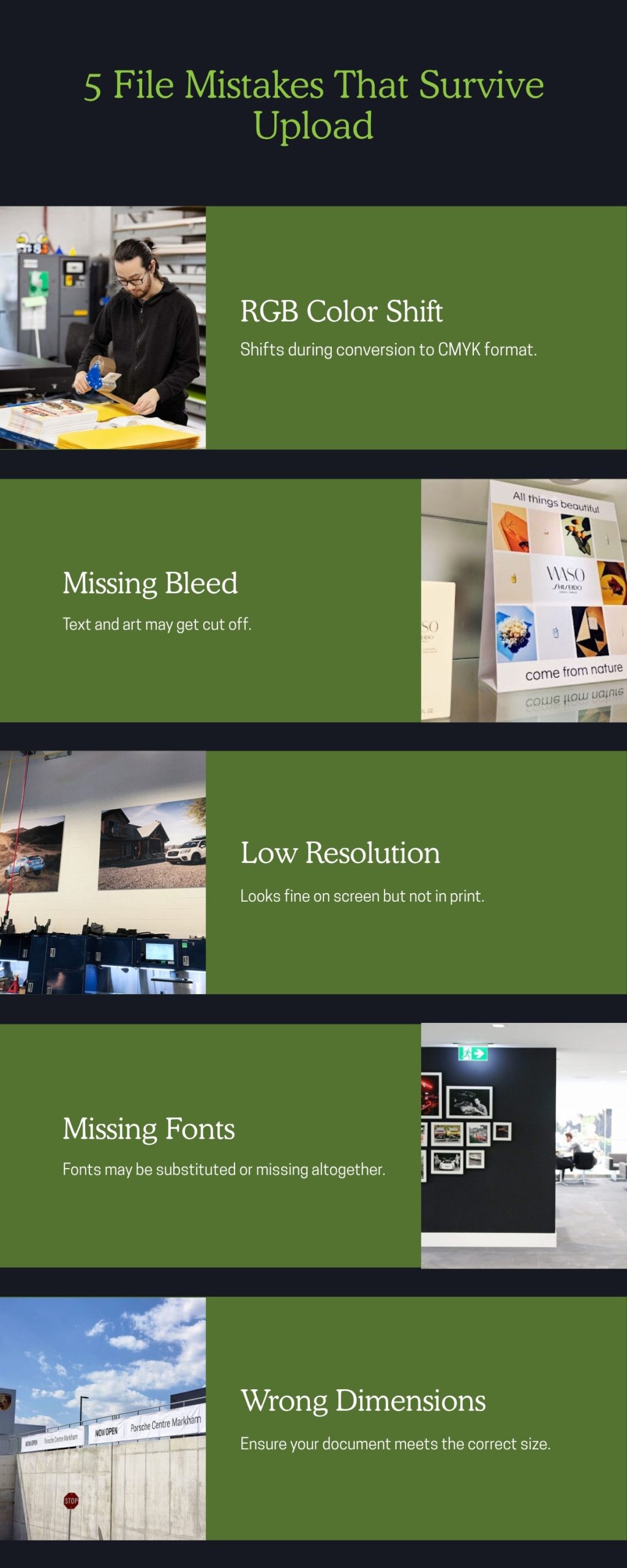
The Five File Mistakes That Survive Upload
Every one of these looks fine on a screen, which is exactly why they’re dangerous. Presses, cutters, and ink behave differently than pixels, and that gap is where jobs die.
RGB colour that shifts on press
Screens build colour from light: red, green, and blue, glowing at you. Presses build colour from ink: cyan, magenta, yellow, and black, absorbing light instead of emitting it. That’s true whether the job runs on a digital press, which prints directly onto the sheet with no plates (Xerox), or on an offset press, which transfers ink from a plate to a rubber blanket to paper (PrintWiki). Some vivid blues, greens, and oranges a screen displays have no ink equivalent, so conversion for press substitutes the nearest printable colour. Nearest is not same. Your electric brand blue comes back duller, and nobody chose that on purpose. Our post on brand colour consistency in print covers this failure in depth.
Missing bleed
Printed pieces are trimmed to final size, and cutting is mechanical, with real-world tolerance. Bleed is the safety margin: your background extends past the trim line so the blade always cuts through artwork, never past it. Without bleed, a hair of drift leaves a white sliver along the edge. Worse, text placed too close to the trim line gets shaved off entirely. That’s the cut-off tagline in the box.
Low-resolution images
An image that fills your laptop screen beautifully can carry far less detail than a press needs, because print reproduces much finer detail than a screen displays. On screen, the image is shown small and forgiven. On paper, at full size, every missing pixel becomes visible softness. Logos pulled from websites are the classic offender: they were saved to load fast, not to print sharp.
Missing or substituted fonts
If a font isn’t embedded in the file or converted to outlines, the receiving system can’t display what it doesn’t have. So it substitutes a default. The lookalike font has different letter widths, so spacing shifts, lines rewrap, and a headline that fit perfectly now breaks in the wrong place. Your carefully licensed brand typeface quietly becomes something generic, and the preview may not even show it.
Wrong document dimensions
A file built at the wrong size, or the wrong proportions, has to be scaled or cropped to fit the finished piece. Scaling distorts logos and stretches photos. Cropping deletes content from the edges. And enlarging a small file to a big format drags the resolution problem along with it. The design was never wrong. The canvas was.
Why Do Upload Portals Print Broken Files Anyway?
Because automation has no judgment. An automated checker can confirm a file opens, is the right format, and roughly matches the ordered size. What it cannot know is what you meant. It can’t see that the blue is supposed to match your storefront, that the tagline matters, that the logo came off a website. It verifies files. It doesn’t understand jobs.
Let’s be fair to the portals, because they’re not villains. They’re unattended. The business model is volume: thousands of orders flowing to press with no human hands between upload and output, which is exactly how the price gets that low. For a forgiving job, a simple flyer nobody will study, that trade works. The problem is the approval click. Confirm that postage-stamp preview and responsibility for everything above transfers to you. The portal didn’t trick you. It just never looked. Our guide to choosing a print shop in Toronto covers this vendor-versus-partner divide; file handling is where it shows first.
What Does a Human Preflight Catch?
Everything on the list above, plus the things no checklist anticipates. Preflight means a real person opens your file before production and inspects it the way a press will treat it: colour mode, bleed, resolution at final size, fonts, dimensions against the ordered spec. The deeper value is intent. A human notices the panel layout doesn’t match the fold you asked for, or that the file says one size and the quote says another.
A human also does something no portal does: picks up the phone. “Your logo is low resolution, do you have the original vector version?” is a thirty-second question that saves an expensive reprint. In our experience, most failing files are minutes from being fine. Somebody just has to look.
Think of preflight as the buyer’s insurance policy. You’re not paying for paper and ink when you work with a commercial shop. You’re paying for the moment before paper and ink, when a mistake is still free to fix. At C17 Media, a person checks every file before press, across our digital and offset production and our full range of print services. Not a script. A person, in the same Richmond Hill building as the presses.
Whose Job Is File Preparation, Really?
Honestly? It’s shared, and any shop that tells you otherwise is setting up the blame in advance. You, or your designer, own the content: the message, the layout, the approval that says “this is what we want.” No printer can own that for you. The shop owns the other half: confirming the file will physically produce what you intended, flagging what won’t, and helping close the gap.
A good shop meets you halfway as a matter of course. That means preflighting every file, explaining problems in plain language, fixing small issues without ceremony, and sending a proper proof so approval means something. It also means being honest when a file needs real design work rather than quietly printing the problem. The halfway point shifts with the job; a colour-critical offset run gets more scrutiny than a one-page handout. What never shifts is that somebody at the shop actually looked.
Ask any printer, ours included: “Will a person review my files before production, and will you call me if something’s wrong?” The answer tells you who’ll be holding the box when it arrives.
What That Looks Like When the Deadline Won’t Move
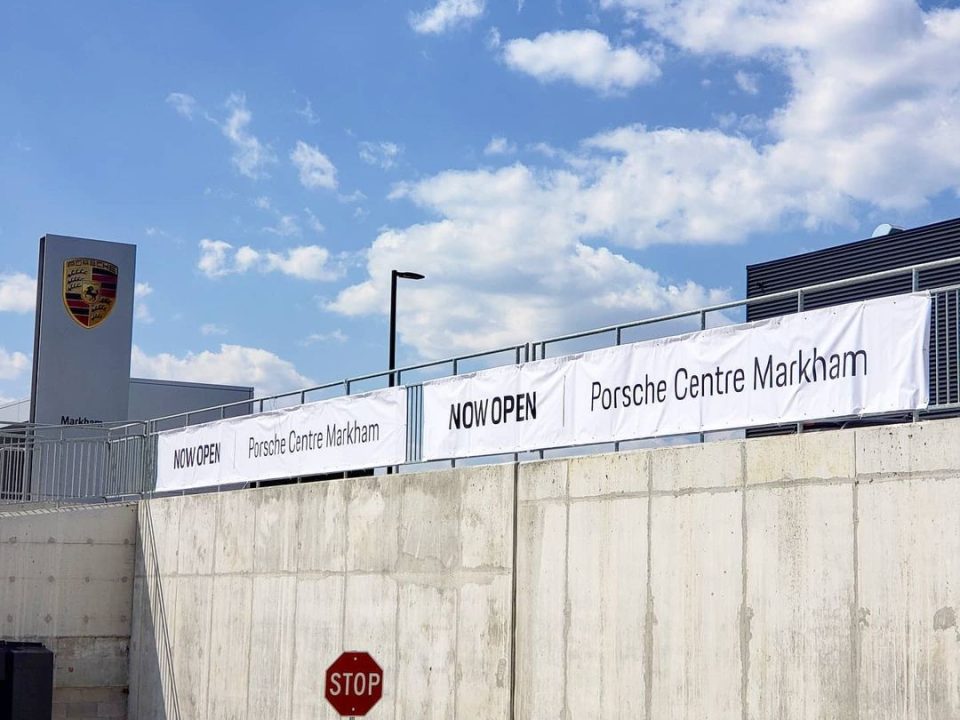
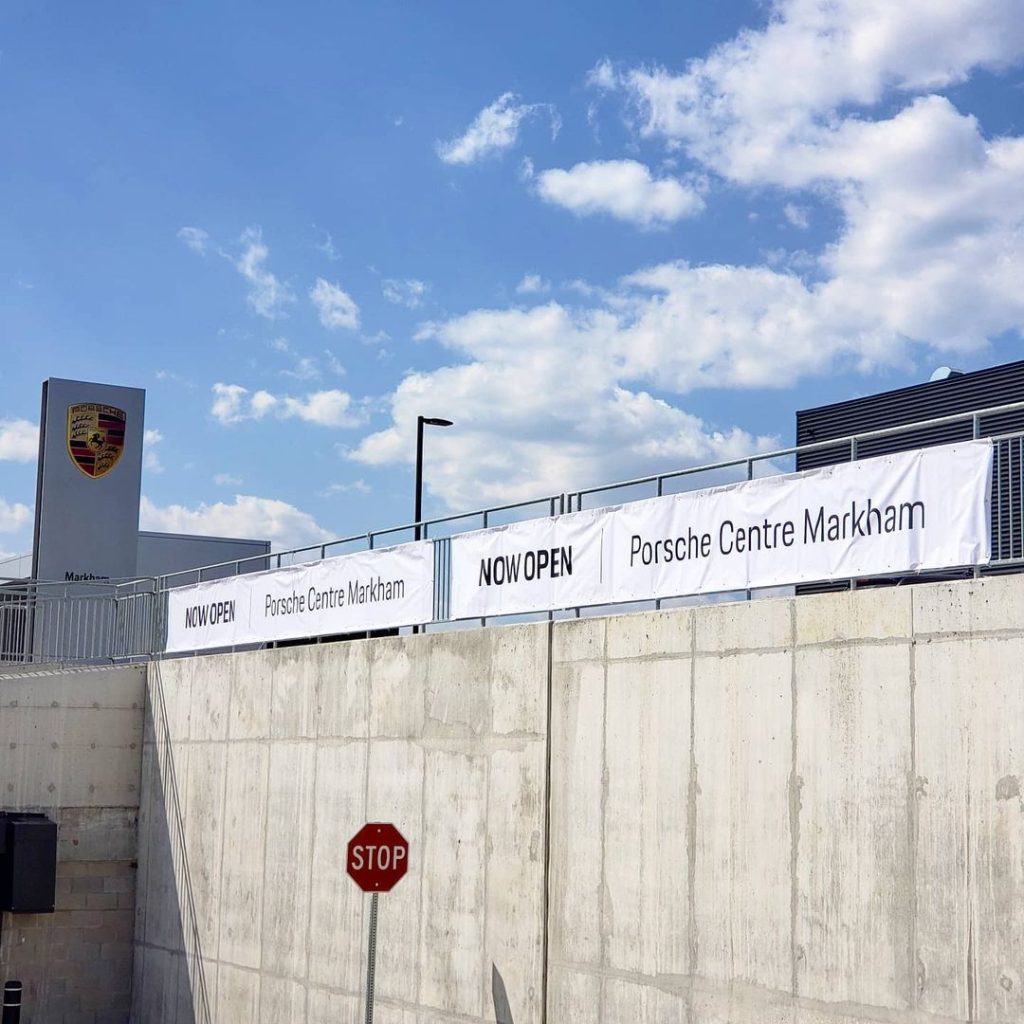
Here’s a checkable example instead of an adjective. When Porsche Centre Markham was preparing to open, C17 Media delivered the dealership’s complete stationery program, business cards, service forms, and sales folders, against an opening date that could not slip. Every piece was preflighted, proofed, and produced right the first time, because a new dealership doesn’t get a second opening day. The full project, including the showroom graphics and signage that carried the building to occupancy, is on our portfolio.
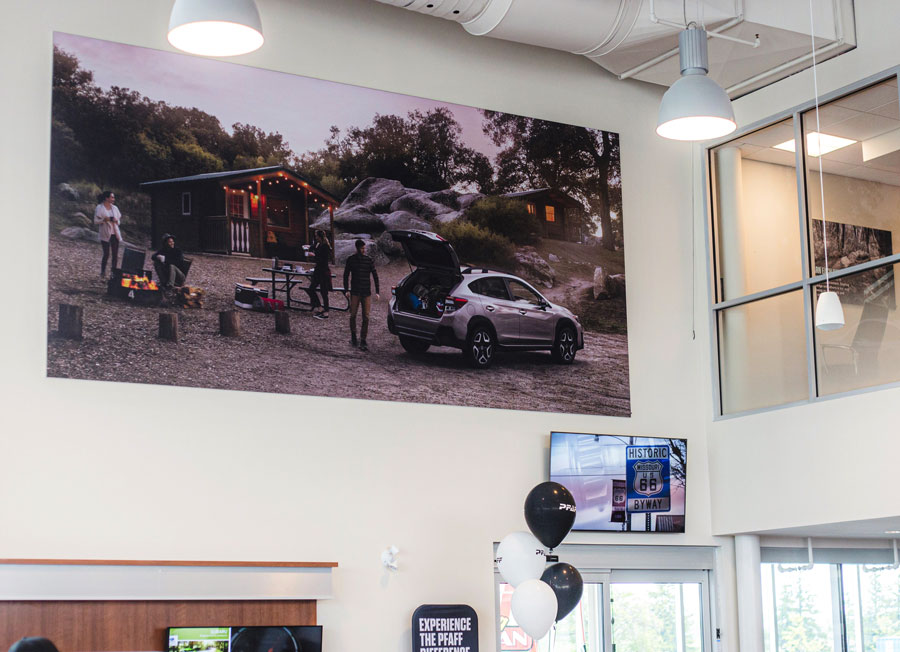
That’s one project among sixteen years of them. Country Style, Shiseido Canada, Shopify, Hudson’s Bay: more than 40 recognized brands have trusted files to this team; browse the work rather than take our word. None of it happened because the files always arrived perfect. It happened because someone checked.
Frequently Asked Questions About Print-Ready Files
What does “print ready file” actually mean?
A print-ready file is one a press can produce correctly without changes: colour built for ink rather than screen, bleed extending past the trim line, images with enough resolution at final size, fonts embedded or outlined, and dimensions matching the finished piece. In practice, “print ready” should still get a human preflight, because the label is a claim, not a guarantee.
What’s the difference between CMYK and RGB?
RGB builds colour from red, green, and blue light, which is how screens work. CMYK builds colour from cyan, magenta, yellow, and black ink on paper. Some colours a screen can display can’t be reproduced in ink, so files designed in RGB shift when converted for press. Designing in CMYK, or having your shop manage the conversion, keeps that shift controlled instead of accidental.
What is bleed and why does my design get cut off without it?
Bleed is artwork that extends beyond the final trim line. Printed sheets are cut to size mechanically, and cutting always has some tolerance. With bleed, small drift is invisible because the blade still lands on artwork. Without it, you get white edges or shaved-off text. Keeping important content away from the trim line solves the other half of the problem.
Will C17 Media fix my file, or do I need a designer?
We preflight every file and fix small issues, missing bleed, colour conversion, minor sizing, as part of the job. If a file needs genuine design work, we’ll tell you honestly and help you plan the fastest path, rather than printing a problem you’ll pay for twice.
What file format should I send to a commercial printer?
A press-quality PDF is the standard, with fonts embedded and bleed included, and vector formats are best for logos. But the honest answer is: send what you have and say so. A shop with real preflight would rather receive an imperfect file with context than a mislabelled “print ready” one with none.
Does human preflight slow the job down?
No, it protects the schedule. Catching a font substitution before the press run costs minutes. Catching it in the delivered box costs a reprint and the days around it. Preflight is the fastest step of any job that goes right, and the reason jobs go right.
The File Is Fixable. The First Impression Isn’t.
Print files fail for boring, preventable reasons, and the portal model prints them anyway because nobody’s watching. That’s the whole story. The five mistakes above will keep surviving upload forever; the only variable is whether a human looks at your file before the press does, or after your customers do.
C17 Media has been that human for GTA businesses since 2010, with digital, offset, and large format production in one 15,000 square foot Richmond Hill facility and a 4.8-star Google average earned one checked file at a time. Book a complimentary consultation through our contact page, call 905-597-2178, or email hello@c17media.com, Monday to Friday, 9:00 to 5:30. Send us the file you’re least sure about. We’ll tell you what the portal wouldn’t.